
ORDINARY RIDE. EXTRAORDINARY EXIT.
YOUR CAR.
BUT IT FLIES.
Your daily driver. An absolutely unreasonable upgrade. Turn one photo into a cinematic flying car video. The less super your car, the better.
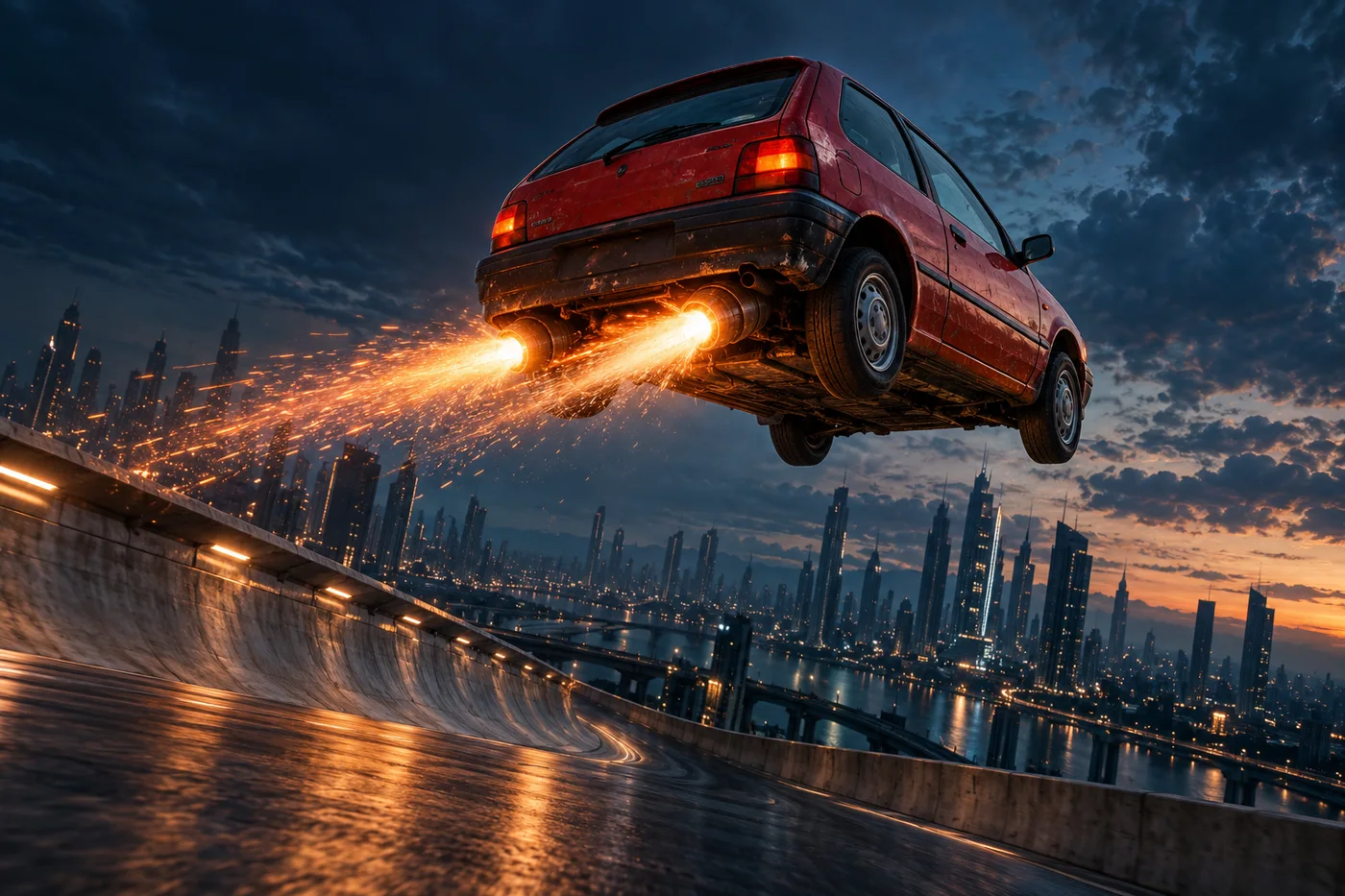
Your ride. Your stunt.
One car photo. Optional main-character energy.
Any car, motorcycle, truck, or toy. If it has wheels, we have questions for gravity.
FROM CAMERA ROLL TO BARREL ROLL
Three moves. Zero driving lessons.
Bring your everyday ride
A clear photo works best. Your hatchback, your scooter, your kid’s toy truck.
Choose how to ignore gravity
Climb a wall, fly over traffic, or go all in on the flip. Add a selfie if you want the wheel.
Send it to the group chat
Get a 6-12 second vertical video, ready for Reels, Shorts, and your very confused friends.
VERY NORMAL VEHICLES. VERY ABNORMAL BEHAVIOR.
Some rides were born to fly. Yours wasn’t.
That’s exactly what makes it good. A few AI concept images to get you thinking.
Motorcycles. Minivans. Toy cars. The less likely, the funnier.
Try your rideMAKING A FLYING CAR AI VIDEO
Your flying car questions, answered.
Start with your own photo, plan the stunt, and know what AI can and cannot keep consistent.
Make my car flyHow can I turn a photo of my own car into a flying car AI video?
Use image-to-video generation so your photo guides the vehicle’s appearance, then specify the stunt. Start with a sharp photo showing the whole vehicle and its wheels, ideally from a front or rear three-quarter angle. In Flying Car AI, upload it, choose Ramp rebel, Traffic escape, or Full send, and select 6, 8, or 12 seconds. Output is vertical 9:16. You can also try a motorcycle, truck, or toy vehicle. Log in to submit when generation is available, then view and download the result in My flights. If the studio says generation is unavailable, your photos have not been sent. Results vary with the reference photo and the model.
Write me a prompt for a car driving up a wall, flipping, and flying away.
Try this reference-led prompt: “Create a 12-second, vertical 9:16 fictional stunt video using the exact vehicle in the reference photo. Preserve its color, body shape, and wheel count. It accelerates up a curved wall, hangs upside down briefly, fires its boosters, completes one clear aerial flip, stabilizes, and flies away. Track the same vehicle with consistent lighting and surroundings. Do not introduce another vehicle or change scenes. Label the clip AI-generated.” In Flying Car AI, choose Ramp rebel to use the built-in stunt sequence; you do not need to paste a prompt. Treat the example as a starting point: a model may skip or alter actions, and a longer duration gives a busy sequence more time.
How do I stop my car changing shape in an AI video?
Give the model the same clear vehicle reference rather than relying only on a make or model name. Show the full body and wheels, avoid heavy blur or objects covering the car, and keep the description consistent. Flying Car AI uses your vehicle photo as a reference and asks the model to preserve its color, silhouette, and wheel count instead of substituting a sports car. Fast rotations, occlusion, and large viewpoint changes can still produce drifting details. If the body or wheels deform, try a clearer, less cropped photo and a more focused action such as Traffic escape. Reference images guide generation; they do not guarantee an exact reconstruction.
How can I put myself in the flying car video and keep the driver looking like me?
Upload your vehicle photo first, then add a separate, clear selfie in The driver slot. Use one front-facing person with even lighting and an unobstructed face; avoid sunglasses, strong filters, and group photos. The vehicle photo guides the car, while the selfie guides the driver’s appearance. This is reference-based video generation, not a frame-by-frame face replacement. Facial similarity is not guaranteed. Review the finished clip, especially views through windows, reflections in mirrors, and head turns. If the driver’s identity is not important to the joke, leave the selfie slot empty and focus on the vehicle stunt. Only use photos you have permission to use.
Is that viral car climbing a wall and flying away real, or AI-generated?
Check the specific clip’s original source before deciding. Find the earliest publisher, look for the full recording, and compare other camera angles or reporting from the same event. A repost labelled “real” is not verification. Changing wheels, shadows, reflections, or faces can be clues to investigate, but no single visual glitch proves a video is AI-generated. Flying Car AI’s gallery contains labelled AI concept images, and videos made with this tool are fictional entertainment. They do not demonstrate a real vehicle’s capabilities. Keep the AI-generated description when sharing your clip so viewers can distinguish your remix from footage of an actual event.